Taking photographs in from families: a short checklist for the firm
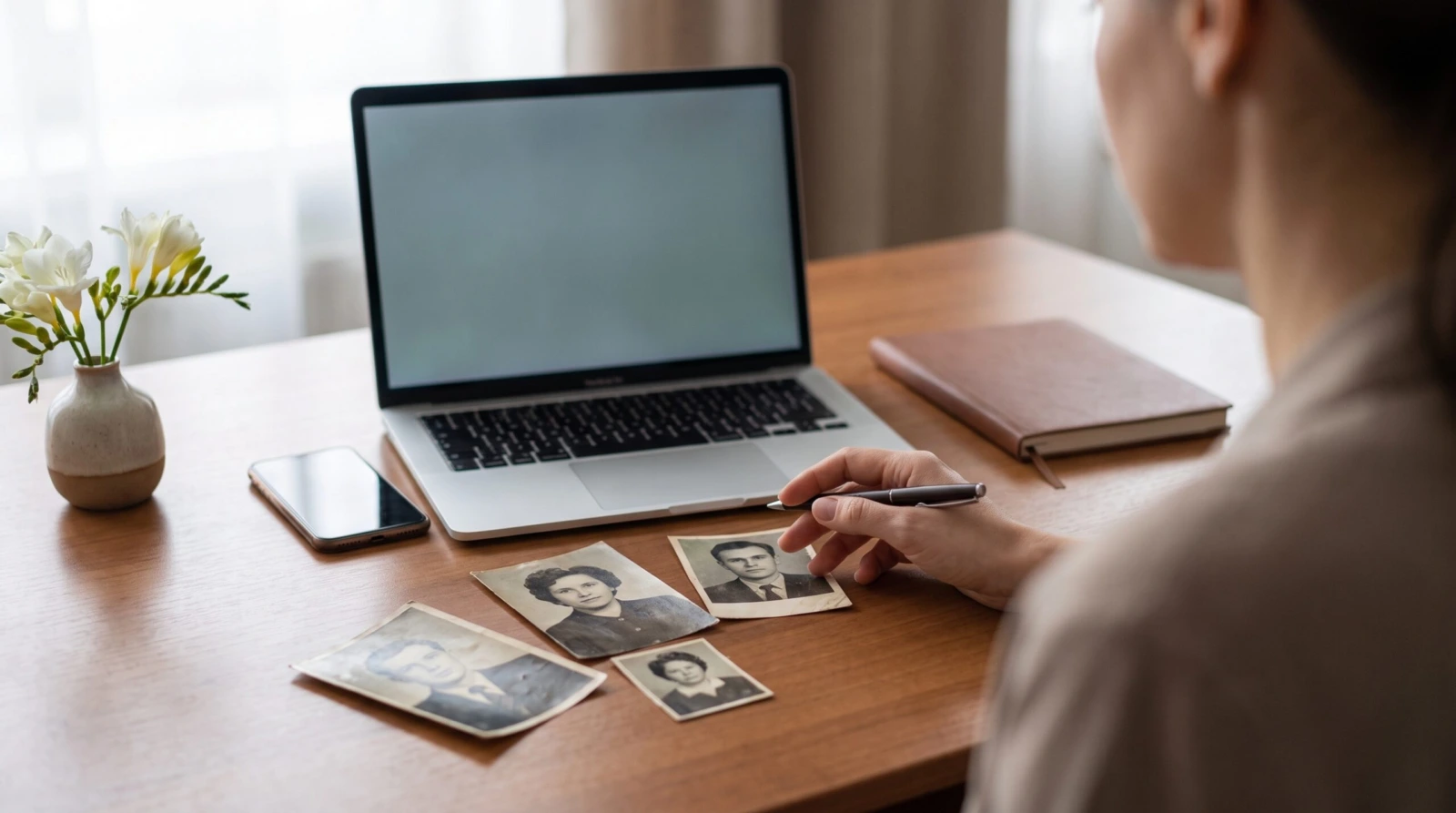
An arranger at a desk comparing four prints brought in by the family
For the trade
Taking photographs in from families

A short checklist for the firm: what to insist on, what to avoid and how not to lose quality before the photograph even reaches production.

Published 25 October 20269 min read
Contents

A photograph is taken in at the desk in two minutes, in the middle of a conversation about entirely different arrangements. And most of what can later be done with that photograph is decided in those two minutes — because a file that has once been shrunk by a messaging app cannot be enlarged back again by anyone.

What follows is a checklist to pin up by the desk: five things to check, two to insist on, and one question worth asking the family before you accept an order for a large portrait. The full run from taking the photograph in to a framed portrait is covered separately in the family brings a poor photograph.

Five things to check at the desk

Each of them takes seconds, while the family is still sitting with you:

Check firstThe size of the file

A photograph straight from a phone or a camera is usually 1 to 5 MB. A file of 70–150 KB is a thumbnail downloaded from social media — it looks fine on a screen and falls apart in print.

AlwaysWhere it came from

Email is the only route that changes nothing. WhatsApp, Messenger and saving a picture off a social media page all shrink the file as it travels, and the loss is permanent.

Zoom inSharpness and light

Enlarge the face to the full width of the screen. Features, eyebrows, the hairline still there? Good. Blocks, soft patches or motion blur? That is a job for restoration.

Before promising a sizeThe original against the print

The larger the print, the more has to be in the file. A passport photograph is enough for a 9×12 cm oval; a 50×70 cm portrait is a different conversation altogether.

Always askWhether this really is the only one

With a passport photograph there is nearly always something better in an album or on a grandchild’s phone. It only takes asking.

1. The size of the file

It is the fastest indicator you have and it needs no software at all — the size shows next to the name of an email attachment or in the file’s properties.

  • 1–5 MB — straight from a phone or a camera. Everything can be made from this, up to a large panel on a memorial.
  • 300–900 KB — a photograph that has been through something already, but usually enough for a portrait at the service.
  • 70–150 KB — a thumbnail from social media. It looks fine on a phone screen, because a phone screen is small. At 30×40 cm it shows immediately.

File size is not a perfect measure, of course — a well-compressed photograph can be light and a picture of a wall can be heavy. But with the portraits we work on, the rule holds in nine cases out of ten.

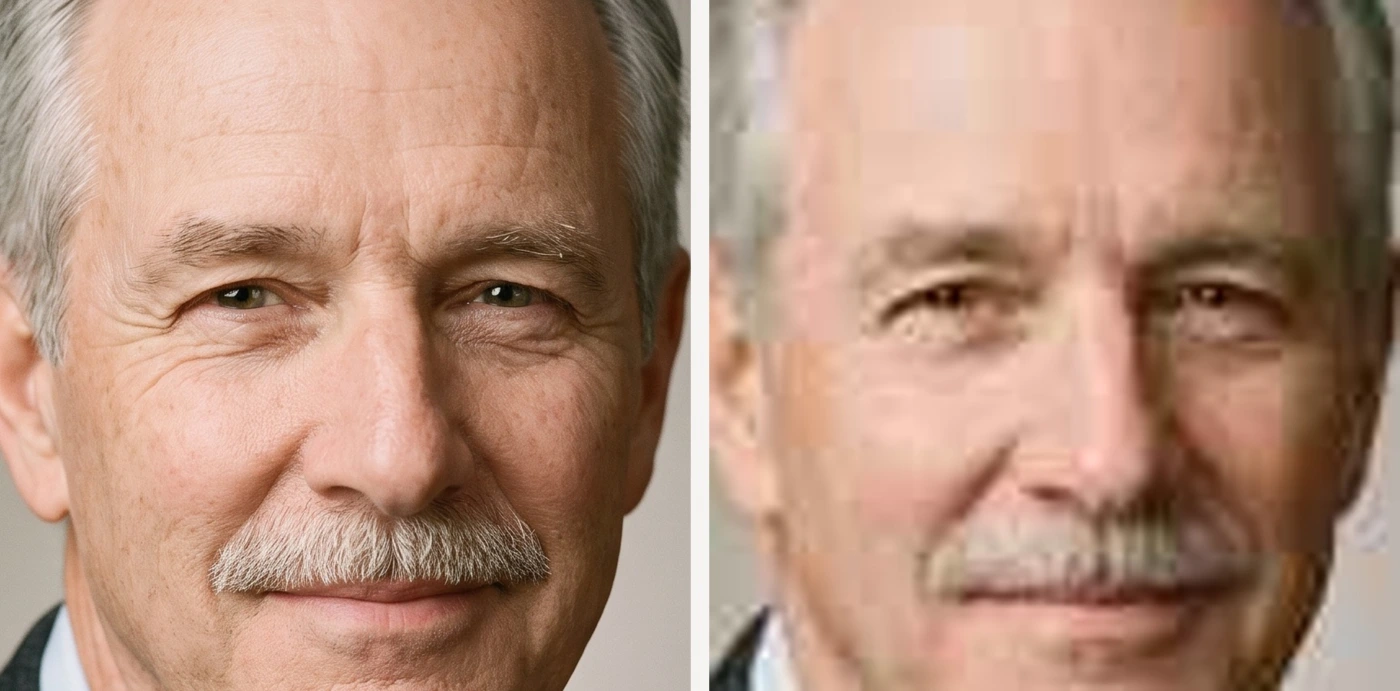
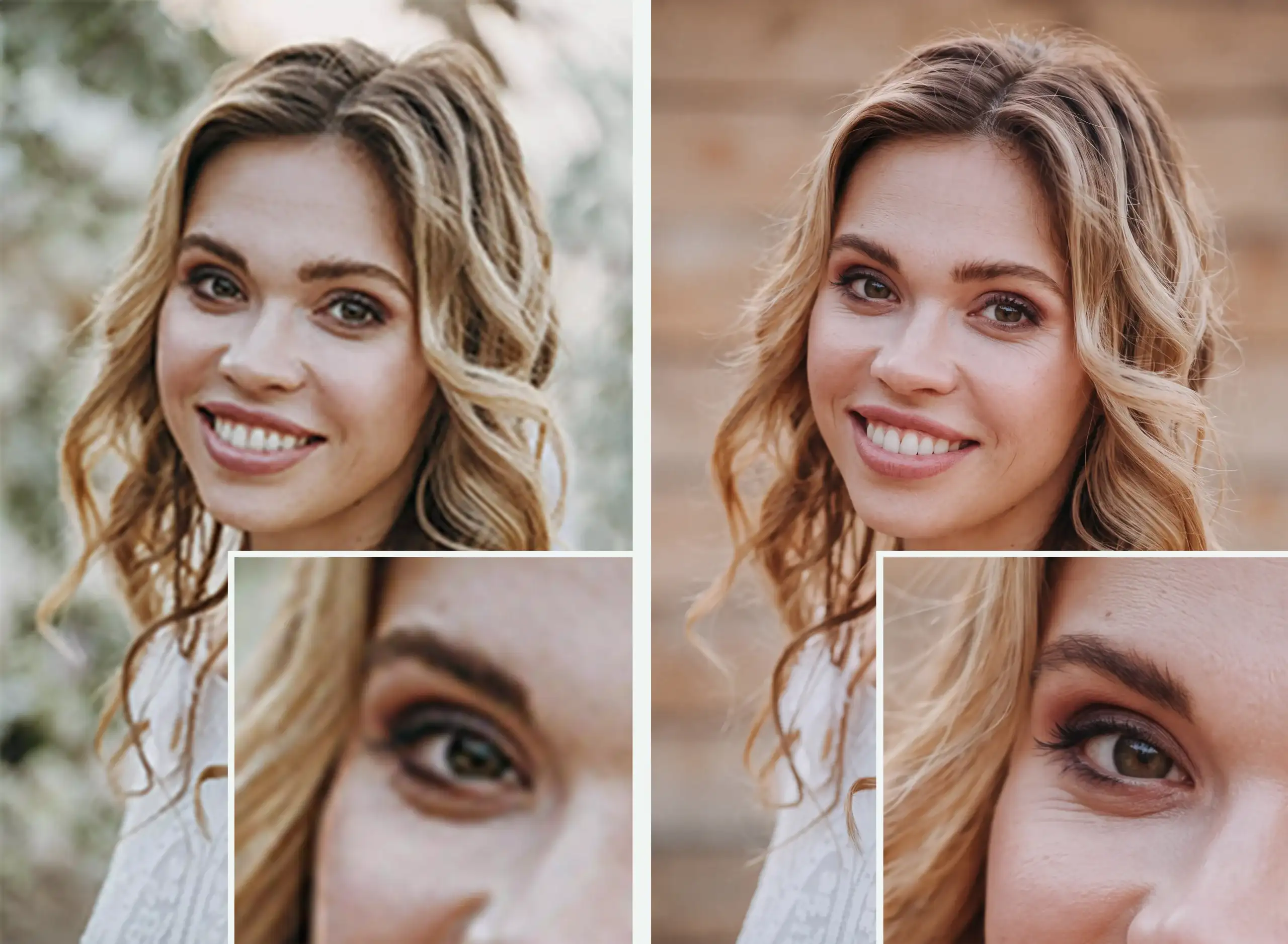
The same face enlarged: on the left a camera file, on the right a thumbnail downloaded from social media
The same face enlarged the way a large print enlarges it. On the left a camera file, on the right a thumbnail from social media — detail merges and edges soften.

2. Where the photograph came from

This is the one point on the list where something can be lost for good, and not through any fault of the family.

Messaging apps shrink photographs as they send them. WhatsApp and Messenger do it by default; social media does it on upload. A file that reaches you by that route has already been compressed, however good the picture was on the sender’s phone. It cannot be undone.

Ask for email. Post carries an attachment unchanged. One sentence to the family is enough: “please email the photograph to us, straight from your phone’s gallery, as an attachment”.

Three situations and what to do with them:

  • The family has the photograph on a phone and wants to send it. Give them the email address and ask them to send it while they are with you. It takes a minute and you know the file is the original.
  • They have the phone but no email set up. Copy the file directly — by cable, card or browser. Anything but a messaging app.
  • “It’s on Facebook.” Ask whoever posted it for the original from their phone. A file saved off a social media page is a thumbnail, even if it looks fine on screen.

Files for large formats can come straight to img@deseomemorials.com — you can give that address to the family and take out one link in the chain.

3. Sharpness, light and what shows when you zoom in

The test takes ten seconds: enlarge the face until it fills the width of the screen. It is exactly what a large print does — only free, and before you accept the order.

  • Features, eyebrows and the hairline are there — the file is good and you can promise a size.
  • Detail merges and skin looks like a smear — a thumbnail, or a heavily enlarged crop. Fine for restoration, not for the largest formats.
  • Blocks and jagged edges — the photograph has been shrunk and enlarged several times over. Ask for another.
  • The face is dark and the background bright — shot against the light. It can be corrected, but tell the family the features will be rebuilt rather than simply brightened.
  • The photograph is blurred by movement — the one fault that cannot be undone. If the eyes are not there, no restoration will put them back.

If a photograph fails the test, do not send the family away — it is a job for restoration. When in doubt, send the file to img@deseomemorials.com before accepting the order and we will tell you what can be made from it.

4. The original against the finished size

This is the question worth asking yourself before it comes up with the family: does the family want a 50×70 cm portrait made from a photograph two centimetres across?

The larger the print, the more information the file has to hold. It is not a matter of believing in miracles but of proportion: a passport photograph is a few centimetres of paper, while a large memorial panel can be 60×90 cm. The difference in area runs into the hundreds.

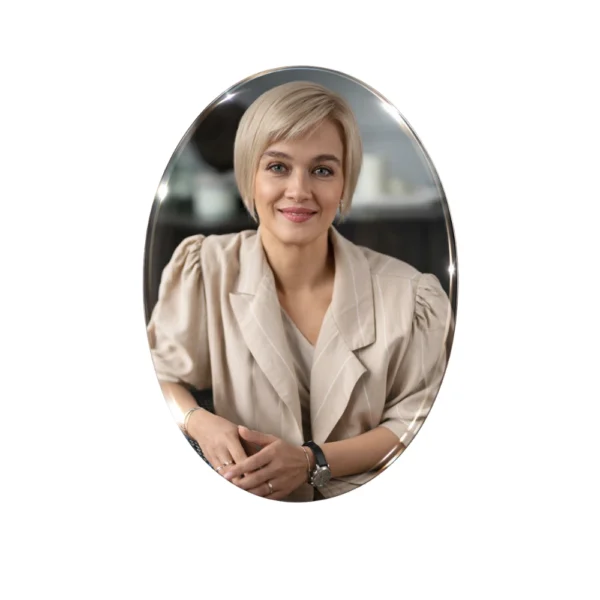
  • A 9×12 or 13×18 cm oval on a memorial — a passport photograph is usually enough.
  • A 20×30 or 30×40 cm portrait for the service — you need a decent file, or a well-photographed print.
  • A large panel from 40×50 cm upwards — ask for the best photograph the family has and do not promise results from a thumbnail.

None of that means a large format cannot be made from a weak photograph — it can, after restoration. It only means the family should hear it at the counter rather than after the panel has been made. Large formats have their own guide: large photo for a headstone.

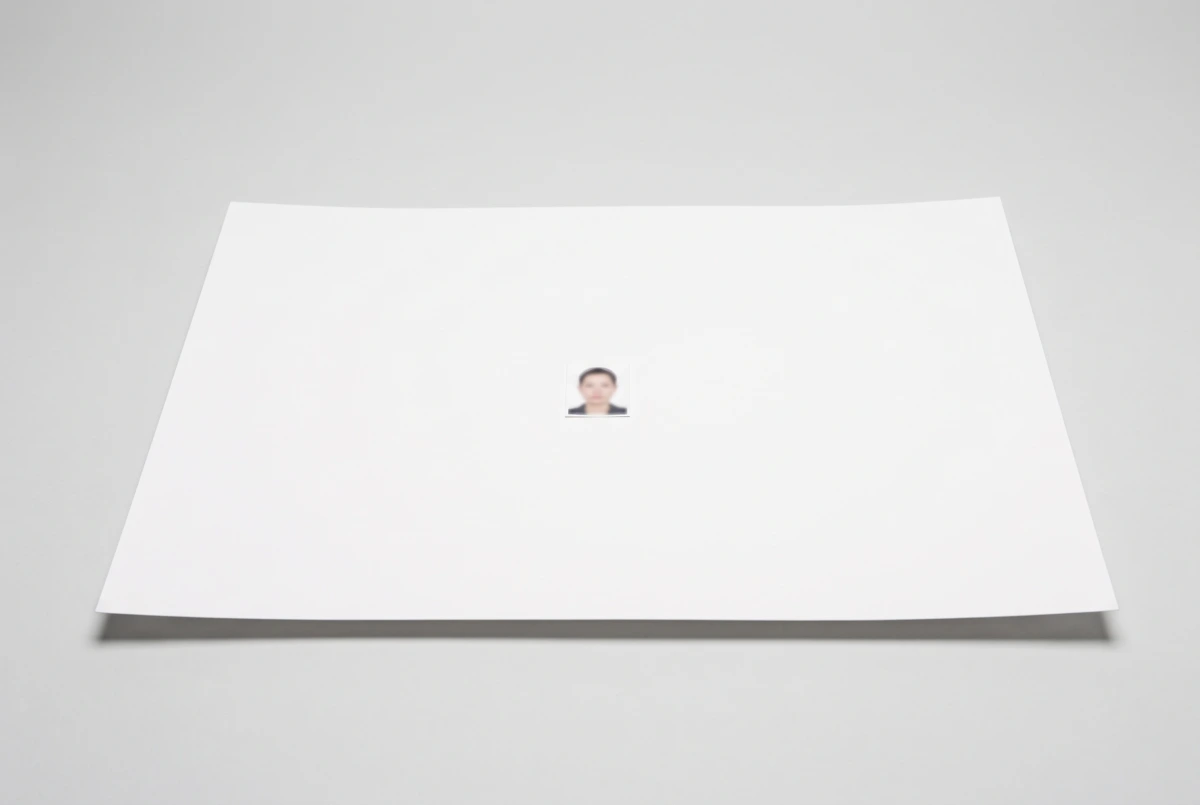
A small passport photograph lying alone on a large sheet of photographic paper
The question worth asking before you accept the order: does the family want a 50×70 cm portrait from a photograph a few centimetres across?

5. When the family brings a passport photograph

A passport picture is sometimes the only photograph left of someone who hated a camera — and then it is what we work with. In most cases, though, it is simply the first photograph that came to hand, because it was in a wallet.

Almost any other photograph will be better. A document picture has hard light, a serious expression, a tiny format and years of wear. A picture from a birthday, from a granddaughter’s wedding or from an ordinary Sunday lunch holds more detail and a more natural expression.

One sentence worth having ready: “we can make a portrait from this as well, but do have a look through the album and the grandchildren’s phones — if something taken close up turns up, the result will be considerably better”. Point them at:

  • albums at a brother’s or sister’s house and in the wider family,
  • the children’s and grandchildren’s phones — last Christmas, the last birthday,
  • photographs from family occasions held by other guests,
  • a driving licence, a bus pass, an old works ID badge,
  • profile pictures and photographs they were tagged in.

Ask for three photographs, not one. With three candidates the choice is far easier and the chance of open eyes and a face turned forwards goes up several times over. What can be rescued from genuinely difficult sources is in we have no good photo of the deceased.

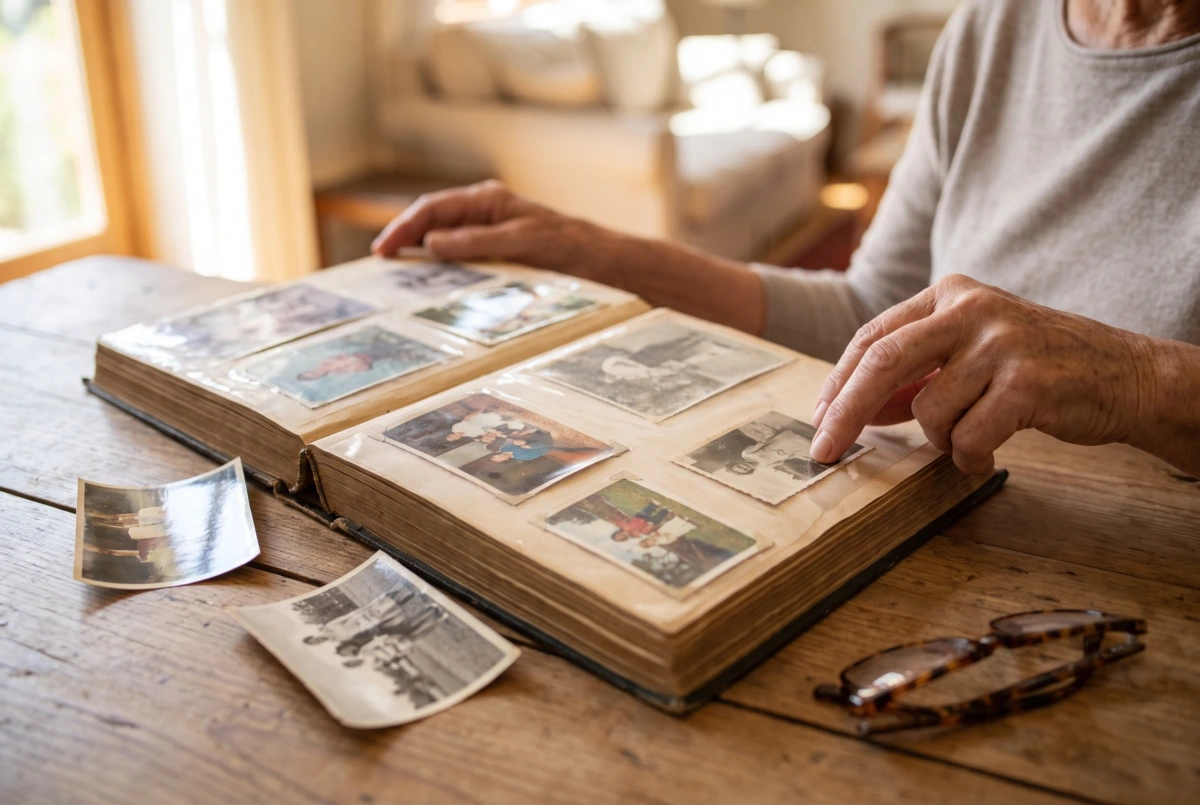
An open family album with a hand resting beside one of the prints
Asking the family to look through the album takes one sentence and changes the material we work with.

Paper prints: how to take them in

A print is never a problem in itself — as long as we receive a proper image of it. We have to be able to see the features of the face, the hairline and the eyes; that is what the portrait is rebuilt from.

A scan. The best option if you have a scanner. 600 dpi, with automatic colour correction and sharpening switched off — those settings add artefacts that have to be taken out again afterwards. Save as JPG at the highest quality, or as TIFF.

A photograph taken on a phone. Just as good, if it is done properly:

  • the print flat on a sheet of white paper, ideally by a window,
  • the phone parallel to the print, not at an angle,
  • no flash and no shadow of your own across the frame,
  • the frame filled by the print itself, not by half the desk around it,
  • if the print is under film in an album, take it out — film throws reflections.

What not to do: do not photograph a print under a ceiling light (shadow and a yellow cast), do not force a creased photograph flat, and do not improve it with filters on the phone. Everything added has to be taken out again.

A headstone photograph before and after restoration Original on the left, restored file on the right

Photo restoration
for headstones and funeral ceremonies

The service is for funeral homes, stonemasons and private individuals who need a photograph improved quickly — in time to have it printed by a local photographer for the ceremony, or prepared for use on a headstone.

We also restore photographs in very poor condition — we remove paper texture, grain and yellowing, bring back sharpness in the face and hair, and crop the frame to the format you choose. We hand over the print-ready file as a link you download to your computer.
Drag your photo hereJPG, PNG, WEBP, TIFF — up to 64 MB Choose file
€21,00
standard, within 72 hours
€39,00
express, within 24 hours
Go to the service

What can be changed, and what cannot

Worth knowing, so that you promise the family neither too little nor too much.

Can be changed: the background (plain, in one of eleven tones, or left as it is), the clothing, the crop and proportions, the colour treatment, small objects in the background, yellowing and marks from the paper. A colour photograph can become black and white and the other way round.

Cannot: turn the head, open closed eyes, uncover a face hidden by a hand or another person, or rebuild features that simply are not in the photograph. A blurred picture stays blurred.

The line is simple: we work with what the photograph shows. If the features are there, they can be rebuilt and brought out. If they are not, no technique will invent them.

The checklist to pin up

When you take a photograph in, check:

  1. The file is at least a few hundred kilobytes, ideally 1–5 MB.
  2. It arrived by email or was copied directly — not through a messaging app.
  3. Zoomed in, the features, the eyebrows and the hairline are visible.
  4. The photograph is not blurred and the face is not against the light.
  5. The finished size can be reconciled with the size of the original.
  6. The family brought several photographs to choose from, not one from a passport.
  7. A paper print was scanned, or photographed flat, by a window.

Note down while the family is there: the print size, colour or black and white, the background, and whether the photograph may later go on a memorial.

If one of the points fails: send the file to img@deseomemorials.com or order restoration — €21,00 within 72 hours, €39,00 express within 24 hours.

Frequently asked questions

How do we check the size of a file quickly?
In an email attachment it shows next to the name. On a phone, in the photograph’s details or file information.

Does WhatsApp really spoil photographs?
It shrinks them as it sends, just as Messenger does. Some apps offer sending “as a file” or “as a document”, which keeps the original, but asking for an email is simpler and safer.

The family has a passport photograph and nothing else. What then?
We work with it. Just tell them the expression will stay serious and that a very large format will look different from an oval.

Is it better to scan a print or photograph it?
A 600 dpi scan with automatic corrections off is best. A well-taken phone photograph by a window is not far behind.

Can you change the clothing or the background?
Yes, both. Say so in the notes on the order.

What does restoration cost?
€21,00 within 72 hours and €39,00 express within 24 hours, ordered on the firm’s details with a VAT number.

Will you check a photograph before we order?
Yes. Send the file to img@deseomemorials.com and we will tell you what can be made from it and at what size.

A properly taken-in file will give you everything below:

Working with usGet in touch with us

We will set out the terms of a standing arrangement, look at a difficult photograph before you order and price a portrait in a size outside the list.

+48 789 024 384biuro@deseomemorials.com
Share this article

← All posts